 LocalView for Google™
I made a Chrome extension so Google would stop speaking Japanese to me
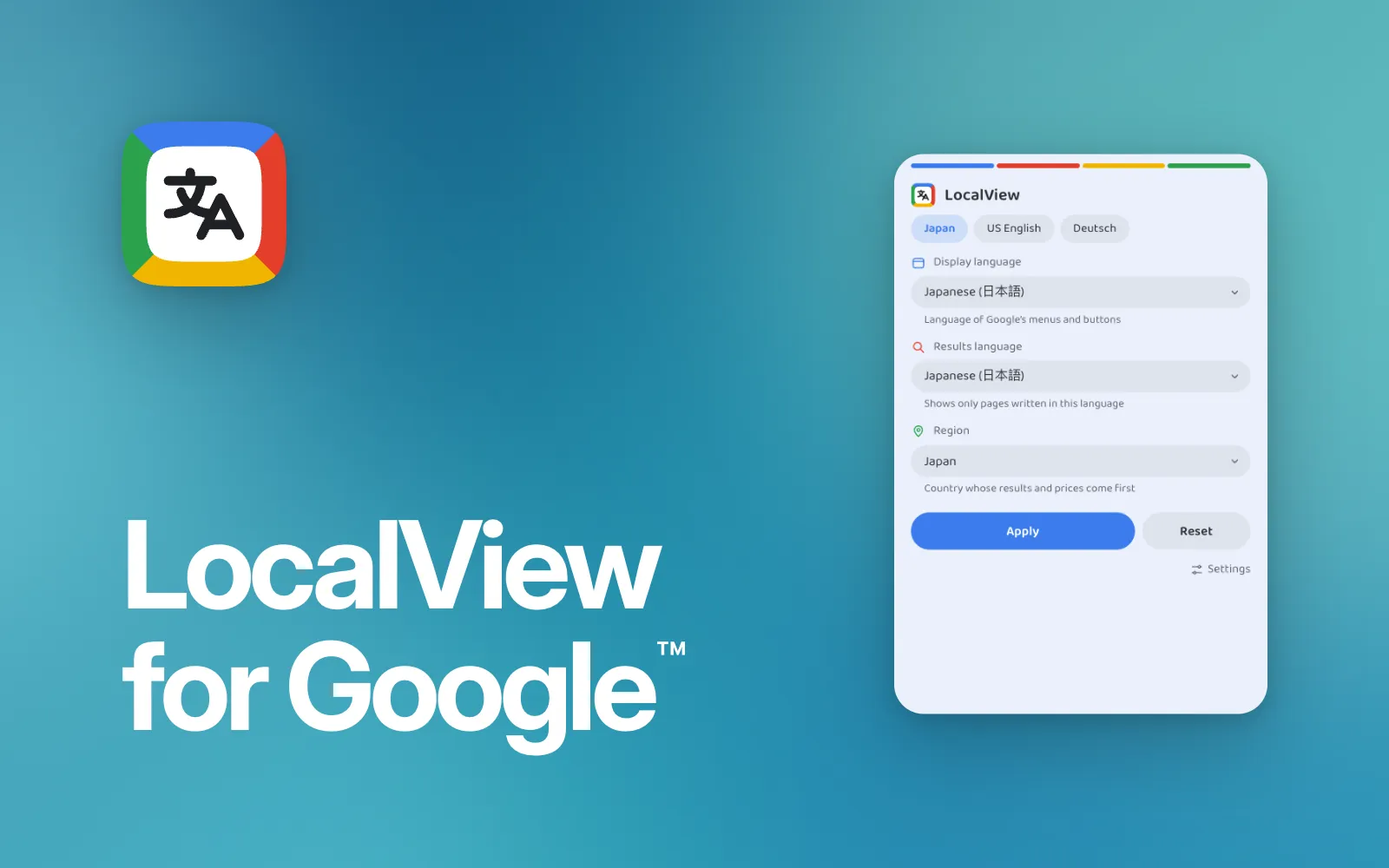
Ever since I moved to Japan, Google has been speaking Japanese to me. Every search: the interface, the websites it picks, the results, all of it in Japanese. It doesn’t matter what my laptop is set to. Google sees a Japanese connection and decides that’s what I want.
There are extensions that fix this, but every one I found was old. Big, clunky and ugly, like they hadn’t been touched in years. I wanted something simple and modern, so I made my own: LocalView. As of today, it’s on the Chrome Web Store.
What it does
It’s three choices: the language Google’s interface is in, the language of the results, and the country the results come from. Pick them once and Google follows them.
Most of the time I have both languages on English. If I want results from the UK, say I’m looking for a British website, I switch the region and that’s it. And when a co-worker wants to show me something, I flip it all to Japanese for them.
I use it on Google Maps and Google Flights too, so it works on those as well as Search, along with the rest of Google’s services. Each one can also have its own settings, so Maps can stay in Japanese while Search is in English. Changing one doesn’t mess up the others.
Not just for me
I’m not the only one with this problem. Plenty of people who move to Japan run into exactly the same thing, so it made sense to put it out there for anyone instead of keeping it to myself.
I’d been using earlier versions of it myself for months. LocalView is a clean rebuild of those, made to be shared.
It almost had a very different name, too. I was going to call it “Yes, I want results in English”, inspired by I don’t care about cookies, the really popular extension that gets rid of cookie banners, and I wanted to follow that style. But not everyone who’d use it wants English, so I went with something more general that makes sense whatever language you’re after.
Getting it on the store
It didn’t get approved first time. The store listing comes in all 12 languages the extension supports, and I’d named Google’s services (Search, Maps, Flights and so on) the same way in every one of them. The review flagged that as repetition: each language needed its own properly localised text. So I simplified the whole thing.
What surprised me most was the privacy side. You have to justify every permission and show you only ask for what you actually need, and Google really checks. I thought it’d be easier than that. It was more thorough than I expected, which was interesting to go through.
The other thing I didn’t see coming: because it says “for Google” in the name, you have to spell out that Google has nothing to do with it. I doubt anyone was going to mistake it for an official Google product, but rules are rules. So, for the record: Google is a trademark of Google LLC, and LocalView is not affiliated with or endorsed by Google.
And now
Now it just runs. I use it every hour of every workday, and it’s become one of those things I never think about, like an ad blocker. Unless Chrome changes something big, I don’t expect to touch it much.
If you want to see how it works, the code is on GitHub.